> ## Documentation Index
> Fetch the complete documentation index at: https://docs.pagecall.com/llms.txt
> Use this file to discover all available pages before exploring further.
# Introduction
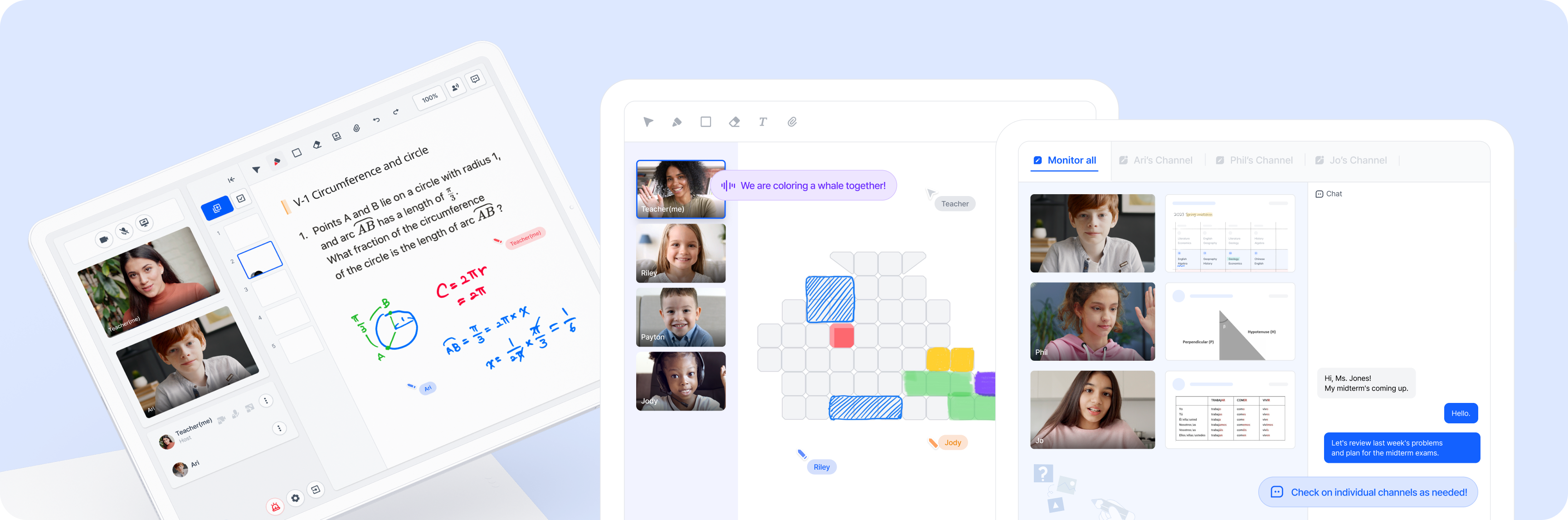
> Welcome to Pagecall documentation! This guide will walk you through the process of integrating Pagecall with your applications, allowing you to provide your users with real-time audio, video, and whiteboard interactions.
If you're not a developer, don't worry! Our partners already operate their
businesses with Pagecall platforms without any integration with their
services. Check out our management console offering to ensure your business's
success.
 ## Documents
Here are some helpful documents to get started with Pagecall:
If you're new to Pagecall, start here! It will take you through the steps of
setting up your account, creating your first project.
For more in-depth information on our APIs, check out our API Reference.
For the best experience in a native app, we strongly recommend using our
SDK.
## Documents
Here are some helpful documents to get started with Pagecall:
If you're new to Pagecall, start here! It will take you through the steps of
setting up your account, creating your first project.
For more in-depth information on our APIs, check out our API Reference.
For the best experience in a native app, we strongly recommend using our
SDK.